

Joker Greeting
USB Toot Prank
USB Toot Prank
Couldn't load pickup availability
USB Toot Prank Device
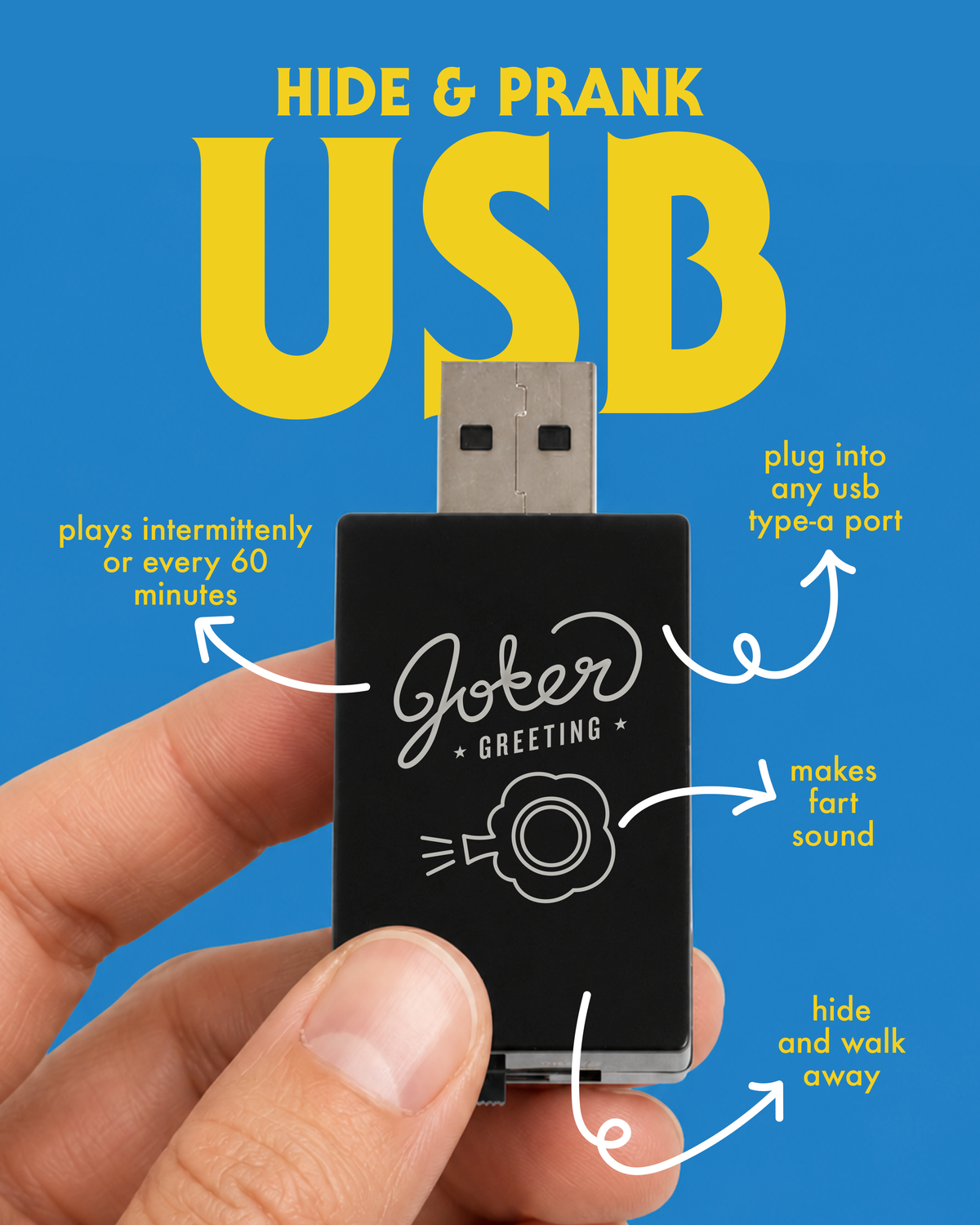
Meet the USB Toot Prank Device — a perfectly timed fart sound from somewhere nobody can pinpoint. It's a deceptively innocent little stick that plugs into a compatible, powered USB Type-A port and, every few minutes in Random Mode, lets out an unmistakable toot from somewhere nobody can quite locate. No app, no batteries, no setup — just a sound prank for someone who enjoys this kind of humor.
We built it on USB on purpose: potential power sources include laptops, desktops, hubs, TVs, cars, and power banks with USB Type-A ports. Port behavior varies, so not every port will power the device.
How It Works
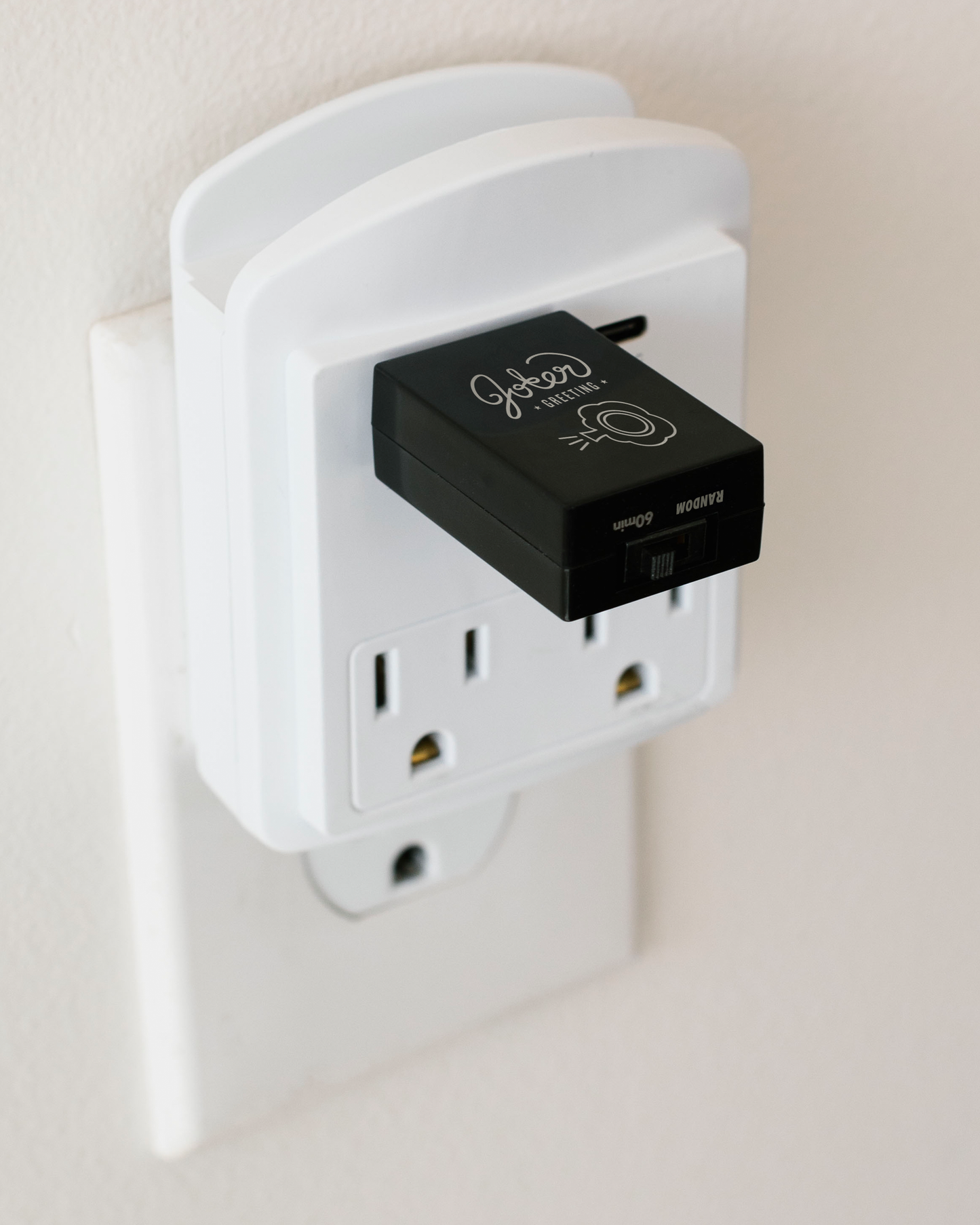
A small switch on the bottom lets you pick your chaos level:
Random Mode
A toot plays at unpredictable intervals — roughly every 3 to 8 minutes — so it's nearly impossible to guess when the next one is coming.
60 Minute Mode
One toot, right on the hour, every hour — a slow-burn surprise for the long con.
There's no on/off switch. The moment it's plugged into a port that supplies power, it starts its selected timing cycle, and it keeps going until someone finds it and pulls it out.
Setup (It's Genuinely Plug & Play)
- Pick your mode using the switch on the bottom — Random or 60 Minute.
- Plug it in to a compatible, powered USB Type-A port. Not every port supplies power to low-draw devices.
- Hide it behind a monitor or inside a USB hub for maximum stealth.
- Walk away and let the confusion spread.
Want to see it in action? Check out the video.
USB Safety & Compatibility FAQ
Do I need an app or batteries?
No app, batteries, or software setup is required to use the prank. Choose a mode and connect it to a compatible, powered USB Type-A port.
Which USB ports can I use?
The device is intended for powered USB-A ports, including those on computers, USB hubs, TVs, cars, and power banks. This is not a guarantee for every model or port. Some ports do not supply power to low-draw devices; if it stays silent, try another port.
What happens when I plug it in?
The selected timing cycle starts when the device receives power, so a sound may not play immediately. Random Mode plays roughly every 3–8 minutes; 60 Minute Mode plays once an hour. For troubleshooting, allow a full 9 minutes in Random Mode or 60 minutes in timer mode.
How do I stop it, and can I reuse it?
Unplug the device to stop it. There is no on/off switch. You can reuse it by plugging it into another compatible, powered USB-A port.
Who is this prank suitable for?
Choose someone who enjoys surprise sound pranks. Get permission to use their equipment, follow workplace USB-device rules, and avoid settings where unexpected sounds could disturb others or interrupt important work.